| Vorheriges Thema anzeigen :: Nächstes Thema anzeigen |
| Autor |
Nachricht |
adent 

Anmeldungsdatum: 06.10.2011
Beiträge: 304
Wohnort: United States
|
 Verfasst am: So Nov 27, 2011 10:19 pm Titel: "Scanning" film with DSLR |
|
Verfasst am: So Nov 27, 2011 10:19 pm Titel: "Scanning" film with DSLR |
|
|
adent wrote:
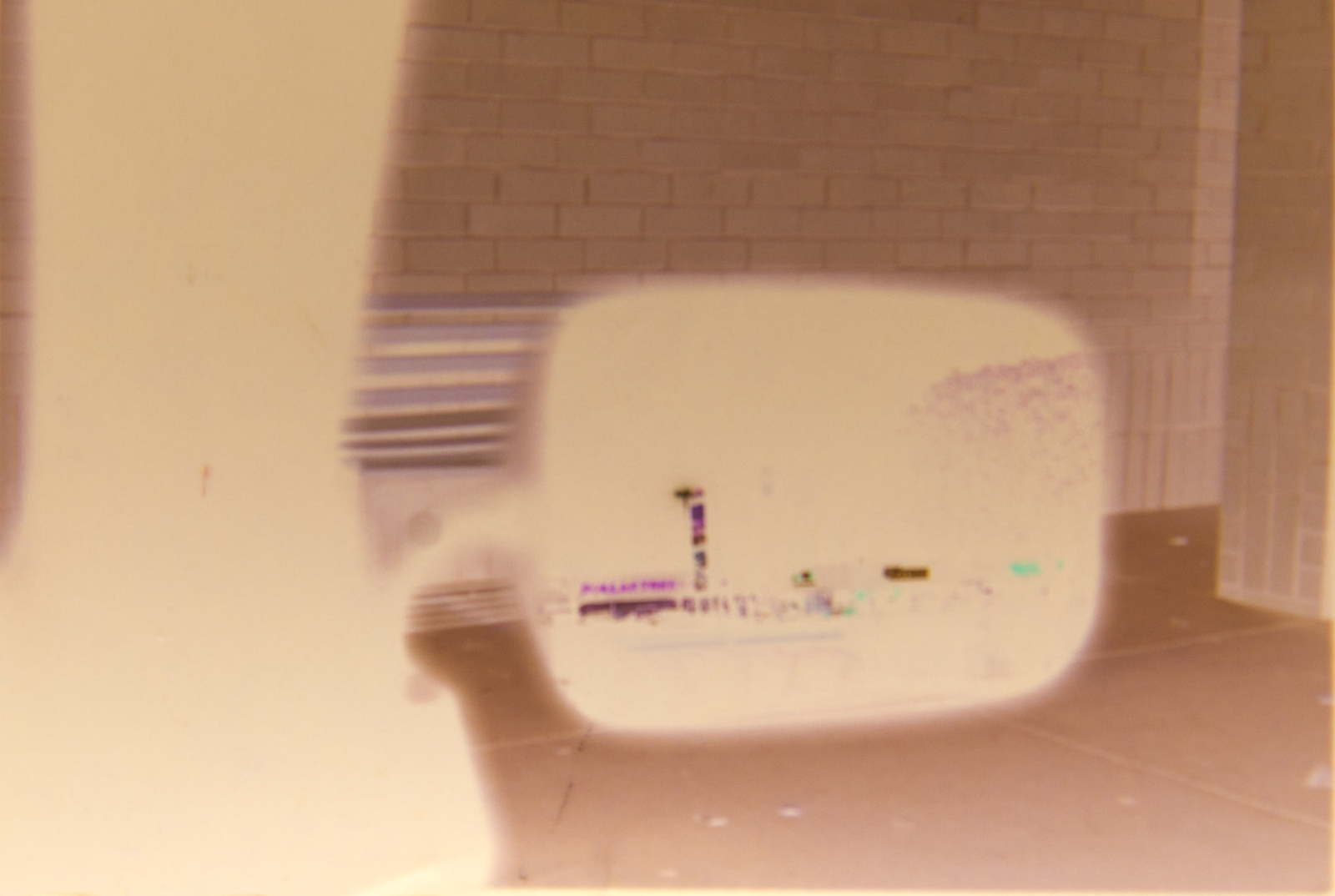
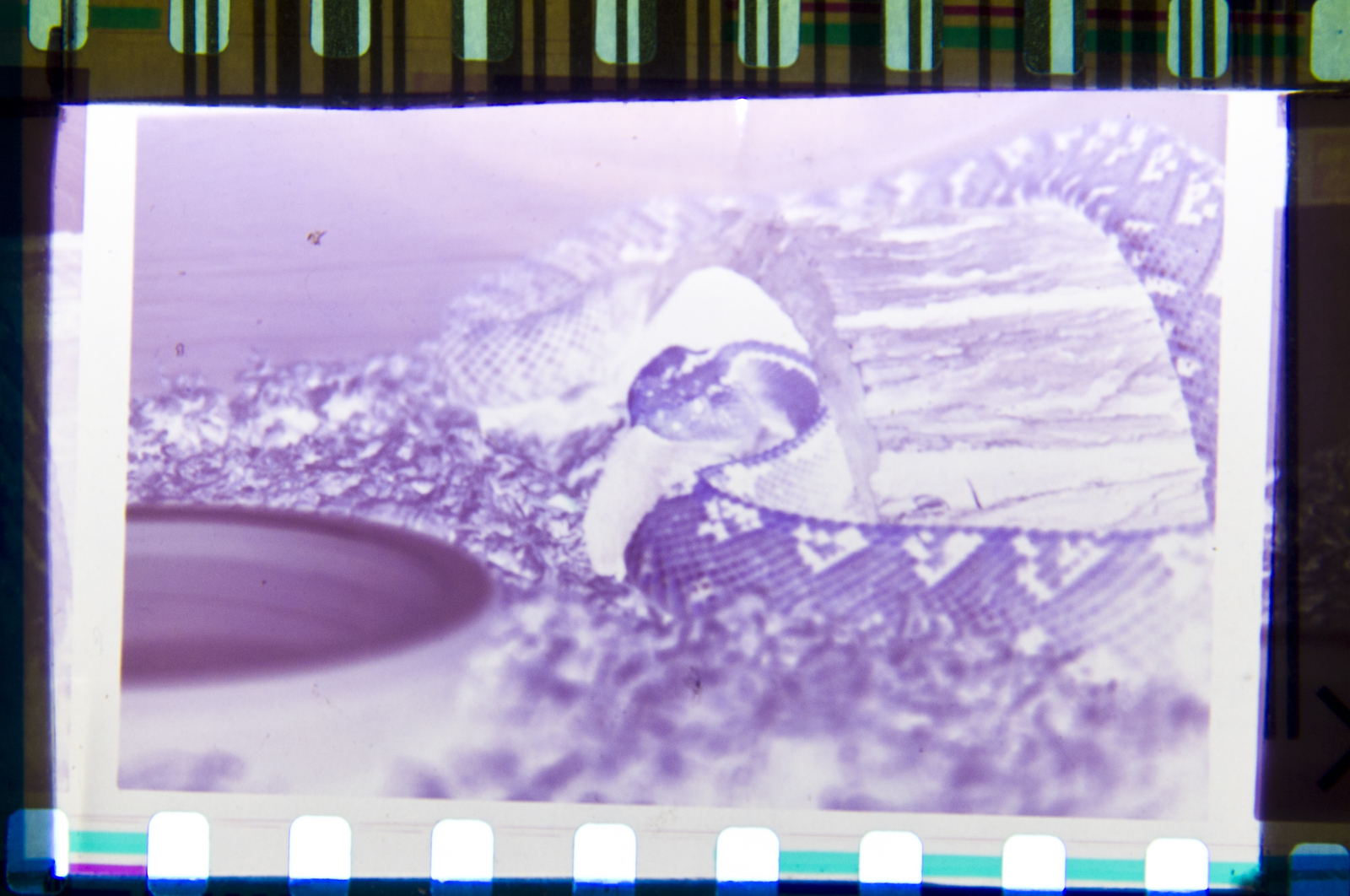
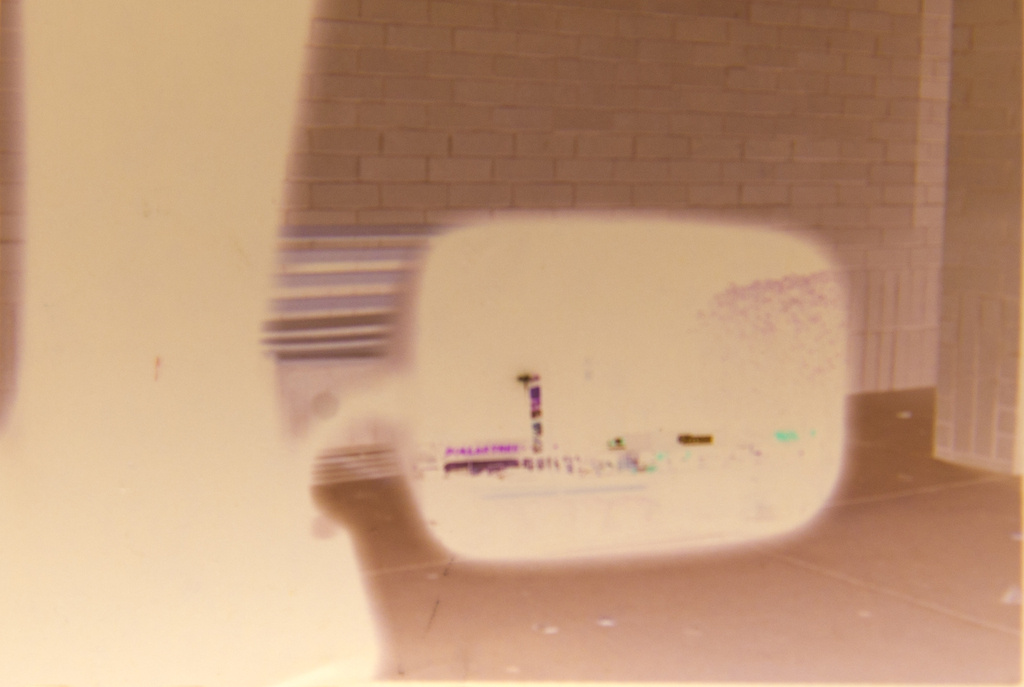
OK due to some embarrassing improvisation I have produced the following. The question is : What do I do with it from here?
 |
|
| Nach oben |
|
 |
peterqd

Anmeldungsdatum: 28.02.2007
Beiträge: 7449
Wohnort: near High Wycombe, UK
Expire: 2014-01-04
|
Verfasst am: So Nov 27, 2011 10:44 pm Titel: |
|
Verfasst am: So Nov 27, 2011 10:44 pm Titel: |
|
|
peterqd wrote:
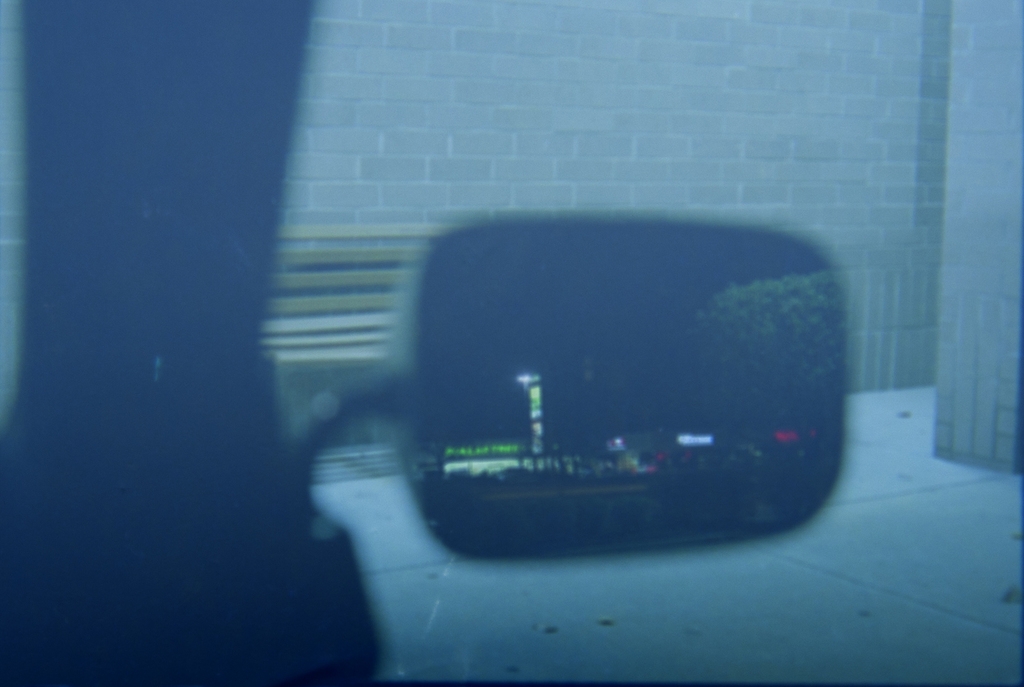
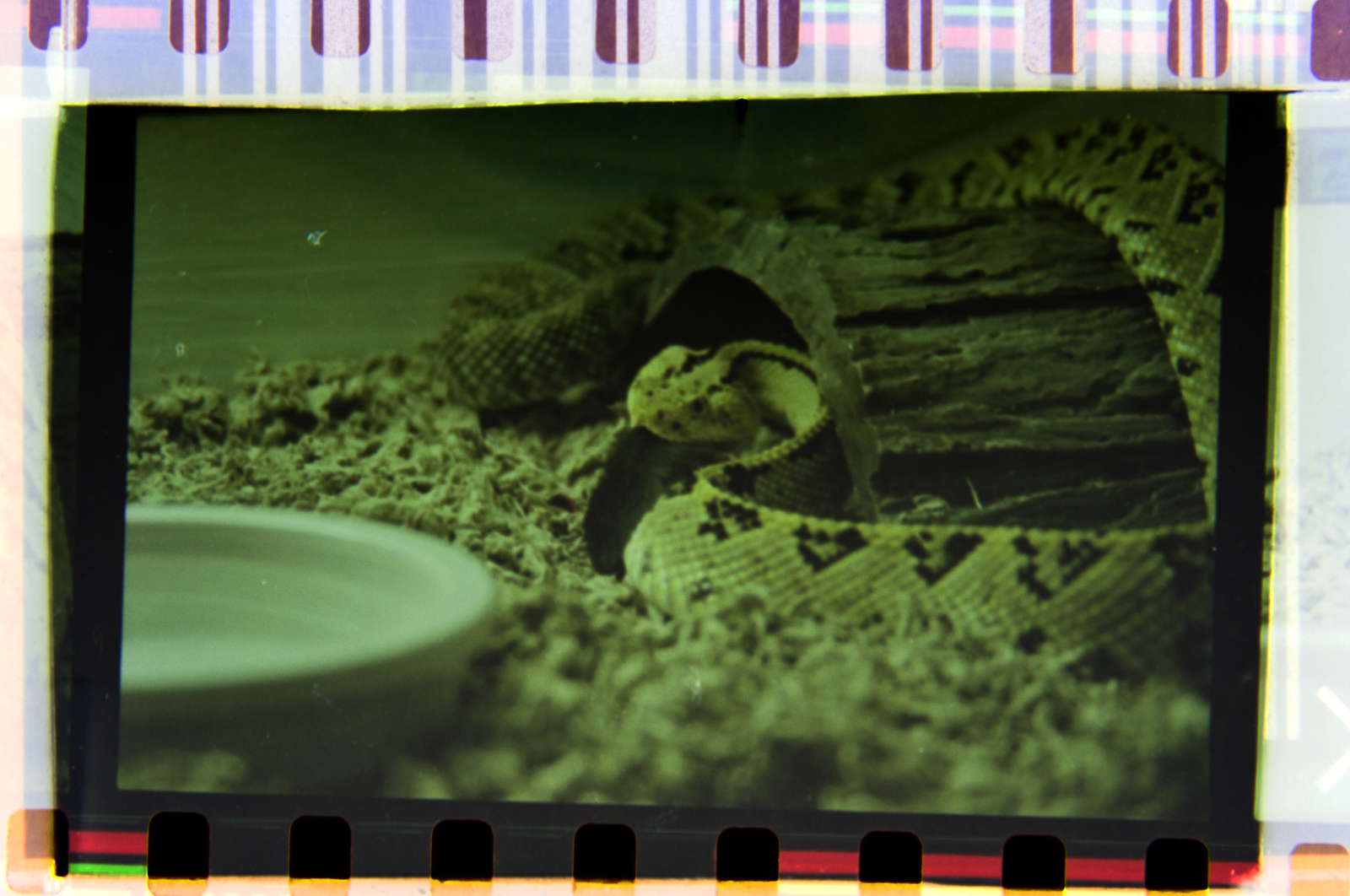
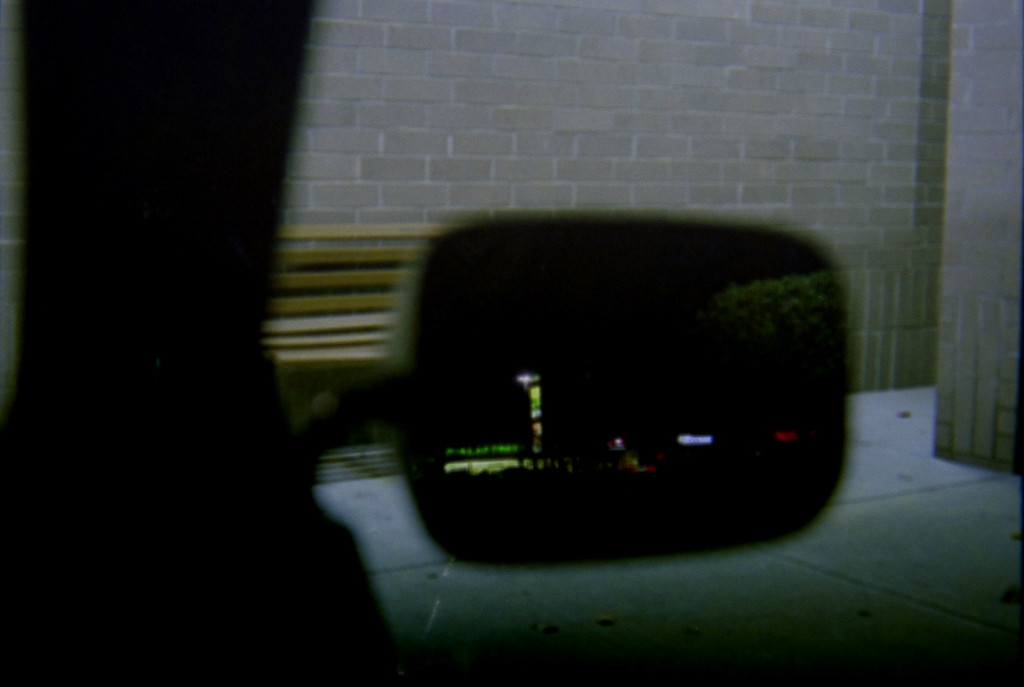
First you have to change it from negative to positive - called inverting.
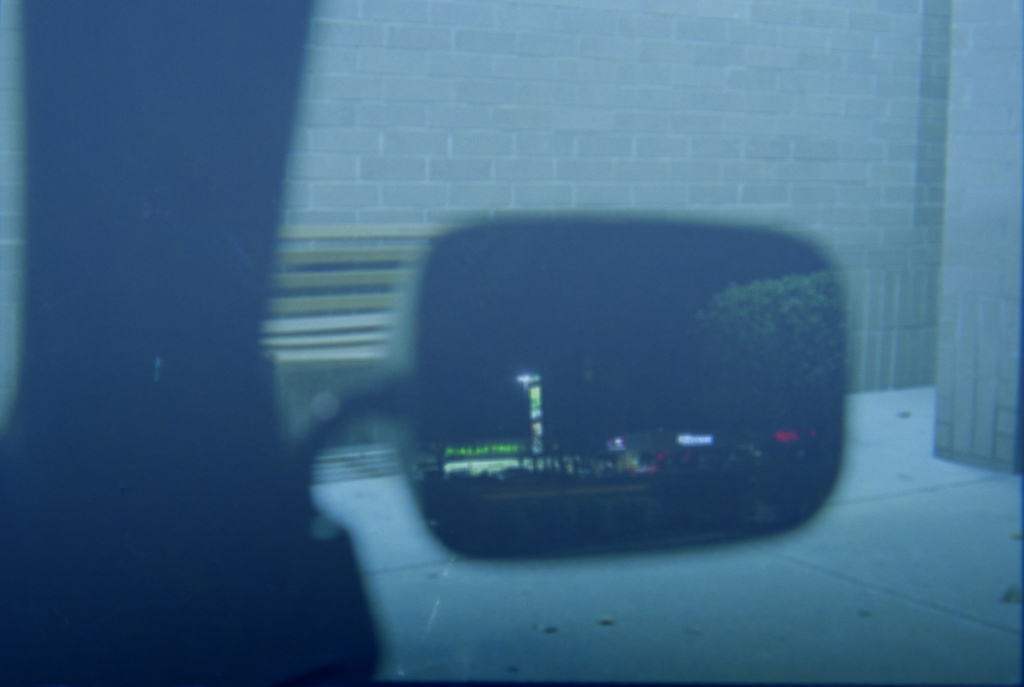
Most simple picture viewers can manage this. I did this with the free viewer Irfanview.
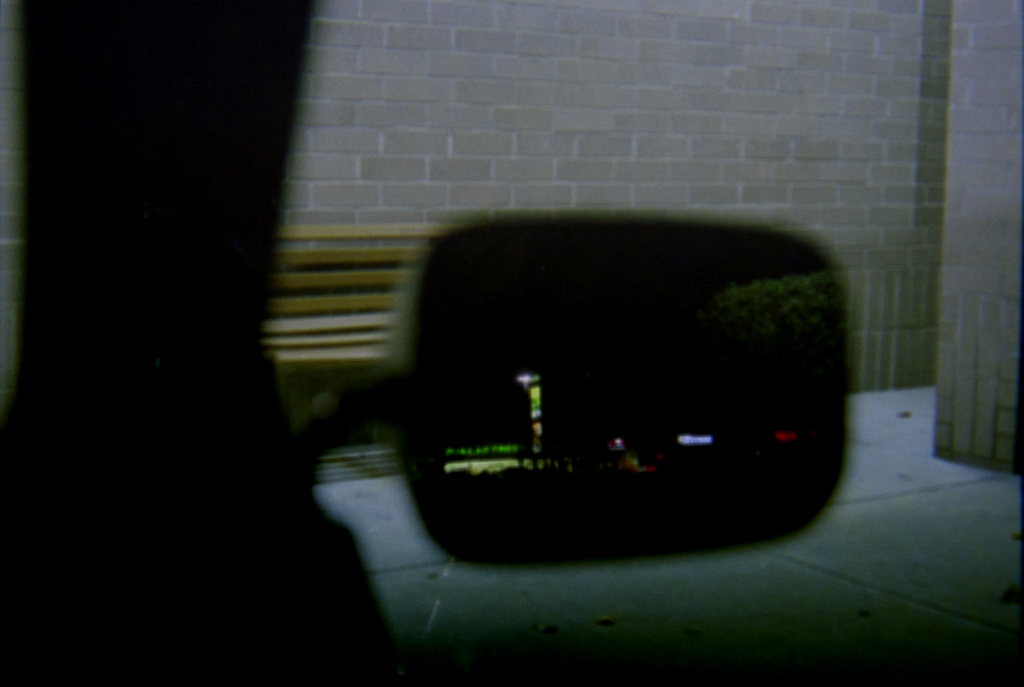
That's generally all you need to do with B&W negs. Colour film has a blueish colour cast as you can see, and a more powerful program is far better for correcting this. It took just one click using the Curves function in Photoshop. I use an old version - CS3.
_________________
Peter - Moderator |
|
| Nach oben |
|
|
berraneck

Anmeldungsdatum: 24.05.2009
Beiträge: 972
Wohnort: prague, czech republic
|
Verfasst am: So Nov 27, 2011 10:54 pm Titel: |
|
Verfasst am: So Nov 27, 2011 10:54 pm Titel: |
|
|
berraneck wrote:
come on, what about searching a bit first? there are plenty of tutorials on net, UTFG 
http://www.computer-darkroom.com/tutorials/tutorial_6_1.htm
_________________
equipment doesn´t count, good photographs do |
|
| Nach oben |
|
|
peterqd
Anmeldungsdatum: 28.02.2007
Beiträge: 7449
Wohnort: near High Wycombe, UK
Expire: 2014-01-04
|
Verfasst am: So Nov 27, 2011 11:02 pm Titel: |
|
Verfasst am: So Nov 27, 2011 11:02 pm Titel: |
|
|
peterqd wrote:
What's UTFG? I only know RTFM
(PS You can use *** if you like!)
_________________
Peter - Moderator |
|
| Nach oben |
|
|
adent
Anmeldungsdatum: 06.10.2011
Beiträge: 304
Wohnort: United States
|
Verfasst am: Mo Nov 28, 2011 1:23 am Titel: |
|
Verfasst am: Mo Nov 28, 2011 1:23 am Titel: |
|
|
adent wrote:
I kinda figured something out. It is in the other thread. |
|
| Nach oben |
|
|
berraneck
Anmeldungsdatum: 24.05.2009
Beiträge: 972
Wohnort: prague, czech republic
|
Verfasst am: Mo Nov 28, 2011 9:21 am Titel: |
|
Verfasst am: Mo Nov 28, 2011 9:21 am Titel: |
|
|
berraneck wrote:
| peterqd hat folgendes geschrieben:: |
What's UTFG? I only know RTFM
(PS You can use *** if you like!) |
http://www.google.com/search?q=utfg

@adent: well done! hope you achieve some nice photos on film
_________________
equipment doesn´t count, good photographs do |
|
| Nach oben |
|
|
martinsmith99
Anmeldungsdatum: 31.08.2008
Beiträge: 7029
Wohnort: S Glos, UK
Expire: 2013-11-18
|
Verfasst am: Mo Nov 28, 2011 5:22 pm Titel: |
|
Verfasst am: Mo Nov 28, 2011 5:22 pm Titel: |
|
|
martinsmith99 wrote:
What does it say about my mind that I understood this before the looking at the link? 
_________________
Casual attendance these days |
|
| Nach oben |
|
|
visualopsins
Anmeldungsdatum: 05.03.2009
Beiträge: 11703
Wohnort: California
Expire: 2027-07-11
|
Verfasst am: Di Nov 29, 2011 1:06 am Titel: |
|
Verfasst am: Di Nov 29, 2011 1:06 am Titel: |
|
|
visualopsins wrote:
Question about PP program that does 'layers': can a layer, made by scanning blank developed film, be used to accurately remove the color cast caused by film orange mask?
_________________
☮☮☮☮☮☮☮☮☮☮☮☮☮☮☮☮☮☮☮☮☮☮☮☮☮☮☮☮☮☮☮☮ like attracts like! ☮☮☮☮☮☮☮☮☮☮☮☮☮☮☮☮☮☮☮☮☮☮☮☮☮☮☮☮☮☮☮☮
Cameras: Sony ILCE-7RM2, Spotmatics II, F, and ESII, Nikon P4
Lenses:
M42 Asahi Optical Co., Takumar 1:4 f=35mm, 1:2 f=58mm (Sonnar), 1:2.4 f=58mm (Heliar), 1:2.2 f=55mm (Gaussian), 1:2.8 f=105mm (Model I), 1:2.8/105 (Model II), 1:5.6/200, Tele-Takumar 1:5.6/200, 1:6.3/300, Macro-Takumar 1:4/50, Auto-Takumar 1:2.3 f=35, 1:1.8 f=55mm, 1:2.2 f=55mm, Super-TAKUMAR 1:3.5/28 (fat), 1:2/35 (Fat), 1:1.4/50 (8-element), Super-Multi-Coated Fisheye-TAKUMAR 1:4/17, Super-Multi-Coated TAKUMAR 1:4.5/20, 1:3.5/24, 1:3.5/28, 1:2/35, 1:3.5/35, 1:1.8/85, 1:1.9/85 1:2.8/105, 1:3.5/135, 1:2.5/135 (II), 1:4/150, 1:4/200, 1:4/300, 1:4.5/500, Super-Multi-Coated Macro-TAKUMAR 1:4/50, 1:4/100, Super-Multi-Coated Bellows-TAKUMAR 1:4/100, SMC TAKUMAR 1:1.4/50, 1:1.8/55
M42 Carl Zeiss Jena Flektogon 2.4/35
Contax Carl Zeiss Vario-Sonnar T* 28-70mm F3.5-4.5
Pentax K-mount SMC PENTAX-A ZOOM 1:3.5 35~105mm, SMC PENTAX ZOOM 1:4 45~125mm
Nikon Micro-NIKKOR-P-C Auto 1:3.5 f=55mm, NIKKOR-P Auto 105mm f/2.5 Pre-AI (Sonnar), Micro-NIKKOR 105mm 1:4 AI, NIKKOR AI-S 35-135mm f/3,5-4,5
Solinon 1:5.6/18 ASPH.
Tamron SP 17mm f/3.5 (51B), Tamron SP 17mm f/3.5 (151B), SP 500mm f/8 (55BB), SP 70-210mm f/3.5 (19AH)
Vivitar 100mm 1:2.8 MC 1:1 Macro Telephoto (Kiron)
|
|
| Nach oben |
|
|
adent
Anmeldungsdatum: 06.10.2011
Beiträge: 304
Wohnort: United States
|
Verfasst am: Di Nov 29, 2011 1:33 am Titel: |
|
Verfasst am: Di Nov 29, 2011 1:33 am Titel: |
|
|
adent wrote:
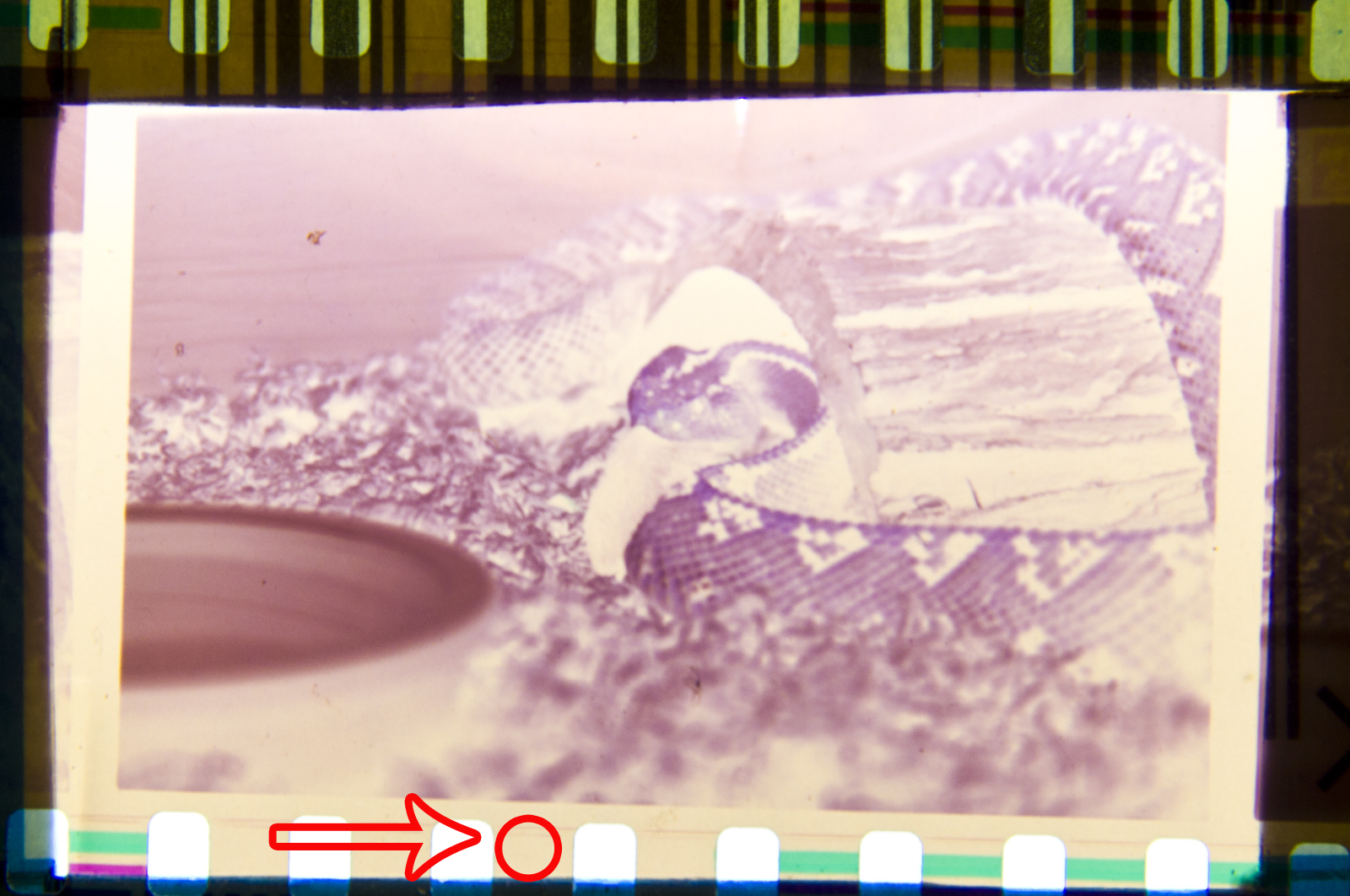
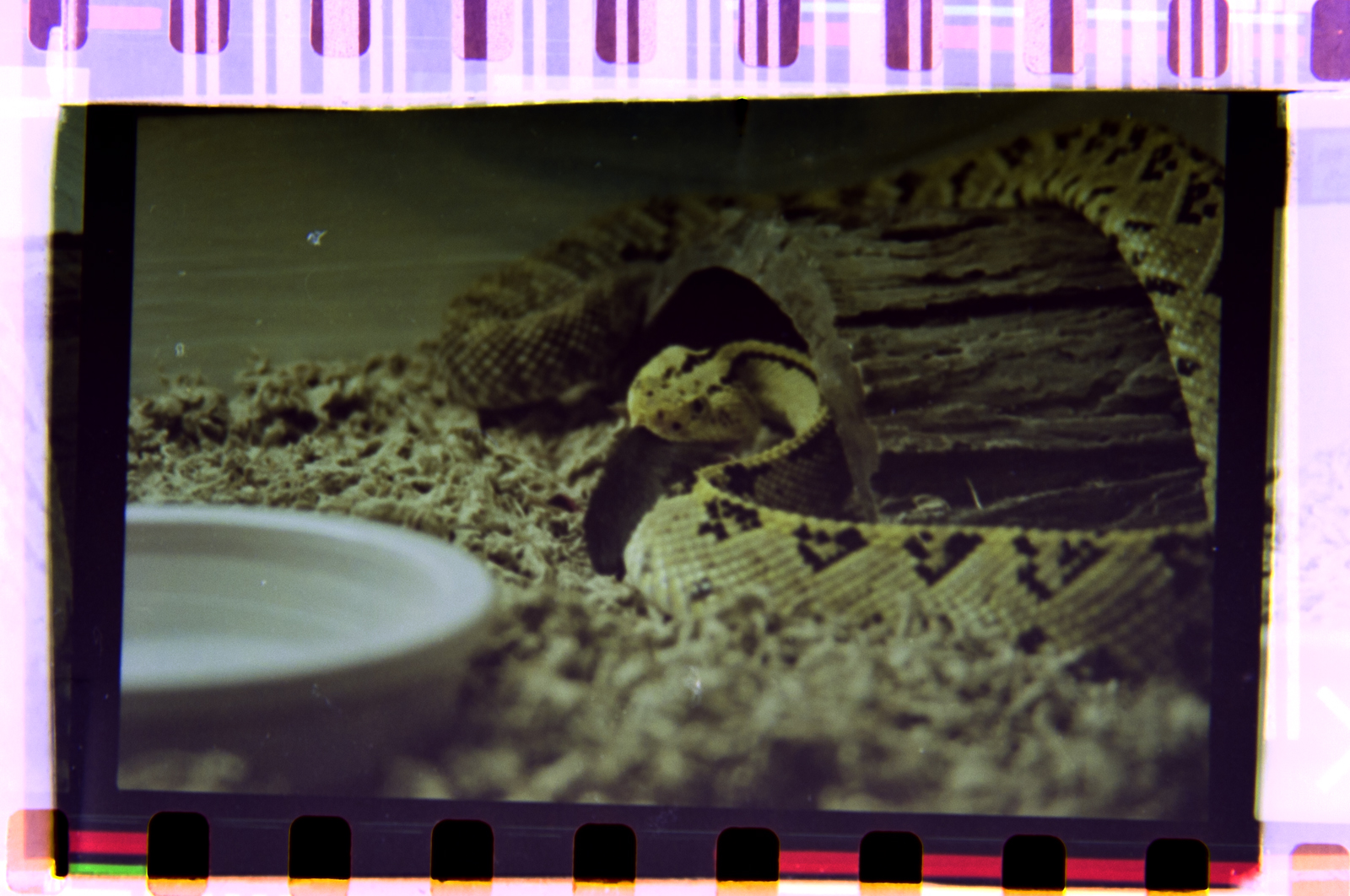
I don't know about that but I found that if you use ACR you can use the white balance tool on the orange part near one of the sprocket holes and it removes it pretty good. Photograph a little extra part of the negative and crop later. Still have to do some work on the red, green, and blue channels in levels in photoshop but it turns out pretty good. |
|
| Nach oben |
|
|
adent
Anmeldungsdatum: 06.10.2011
Beiträge: 304
Wohnort: United States
|
|
| Nach oben |
|
|
peterqd
Anmeldungsdatum: 28.02.2007
Beiträge: 7449
Wohnort: near High Wycombe, UK
Expire: 2014-01-04
|
Verfasst am: Di Nov 29, 2011 9:34 am Titel: |
|
Verfasst am: Di Nov 29, 2011 9:34 am Titel: |
|
|
peterqd wrote:
| visualopsins hat folgendes geschrieben:: |
| Question about PP program that does 'layers': can a layer, made by scanning blank developed film, be used to accurately remove the color cast caused by film orange mask? |
Firstly, a good scanning program will remove the colour cast automatically. Sometimes it needs adjusting, but not very often in my experience.
If you want to do it by hand in PP, yes you could make a separate layer for that and ensure you have both layers selected when you do the adjustments. But it's simpler to just include some blank film in the original scan area (the gap between frames is easiest) and use that for correction in the same layer and crop it out later.
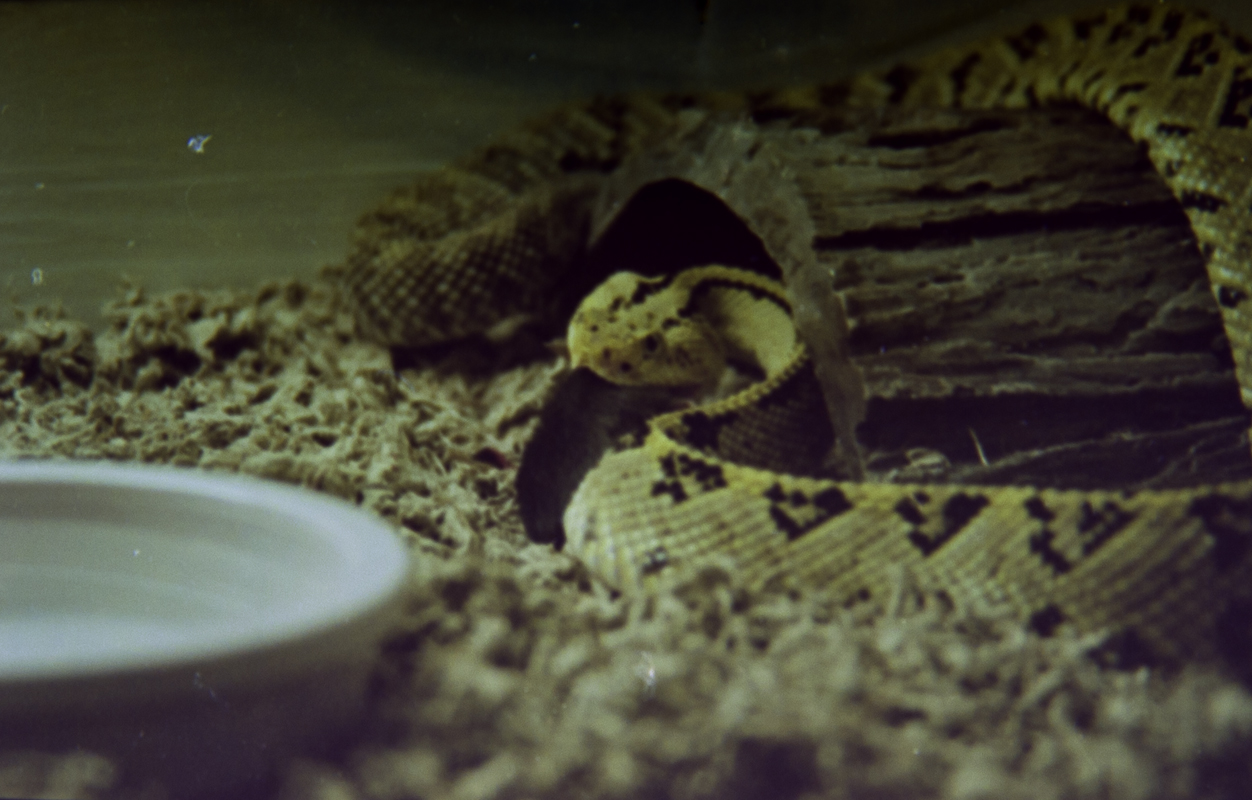
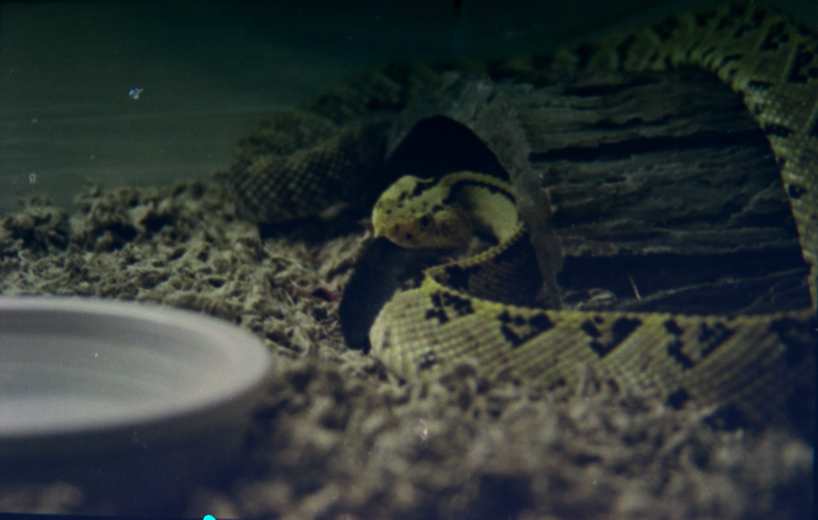
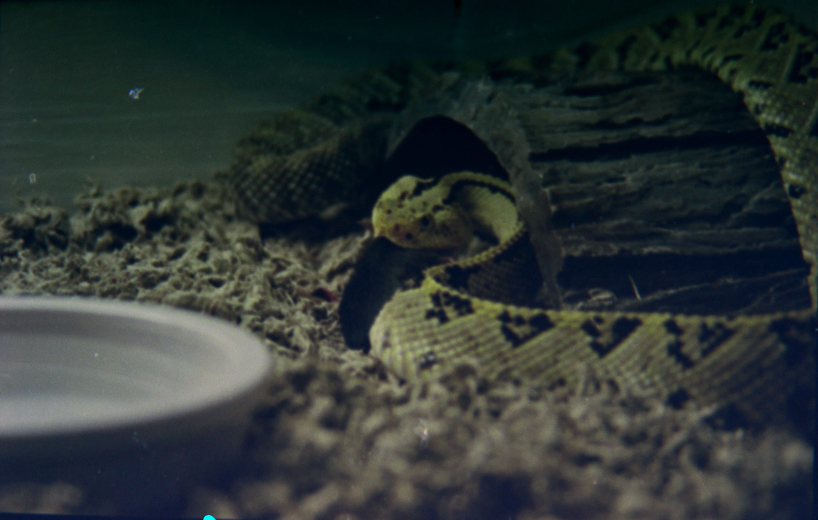
@adent: If you're "scanning" with a DSLR then you have a RAW file to work on. If you scan it with a scanner you only have a JPG or a TIF file to work on. So I do it all in Photoshop using the Curves tool. It would save you having to load two programs if you did it that way. There are three different ways of adjusting cast and colour correction after you've inverted the image, all with just one click, using the thre sampler tools - white, black and the grey one in the centre. I almost always use the grey tool as I find it gives the best colour adjustment. This colour is adjusted with just one click with the grey tool on the bowl:
_________________
Peter - Moderator |
|
| Nach oben |
|
|
|
|
|
Du kannst keine Beiträge in dieses Forum schreiben.
Du kannst auf Beiträge in diesem Forum nicht antworten.
Du kannst deine Beiträge in diesem Forum nicht bearbeiten.
Du kannst deine Beiträge in diesem Forum nicht löschen.
Du kannst an Umfragen in diesem Forum nicht mitmachen.
|
 Deutsch
 Español
 中文
 Magyar
 Русский
 日本語
 Français